Accounting
Books that fill themselves, a P&L at month end
Upload a bank statement and each transaction lands in the right account with GST split out. Wages are posted after every pay run. Owners see a monthly P&L, and the accountant has the numbers for GST.
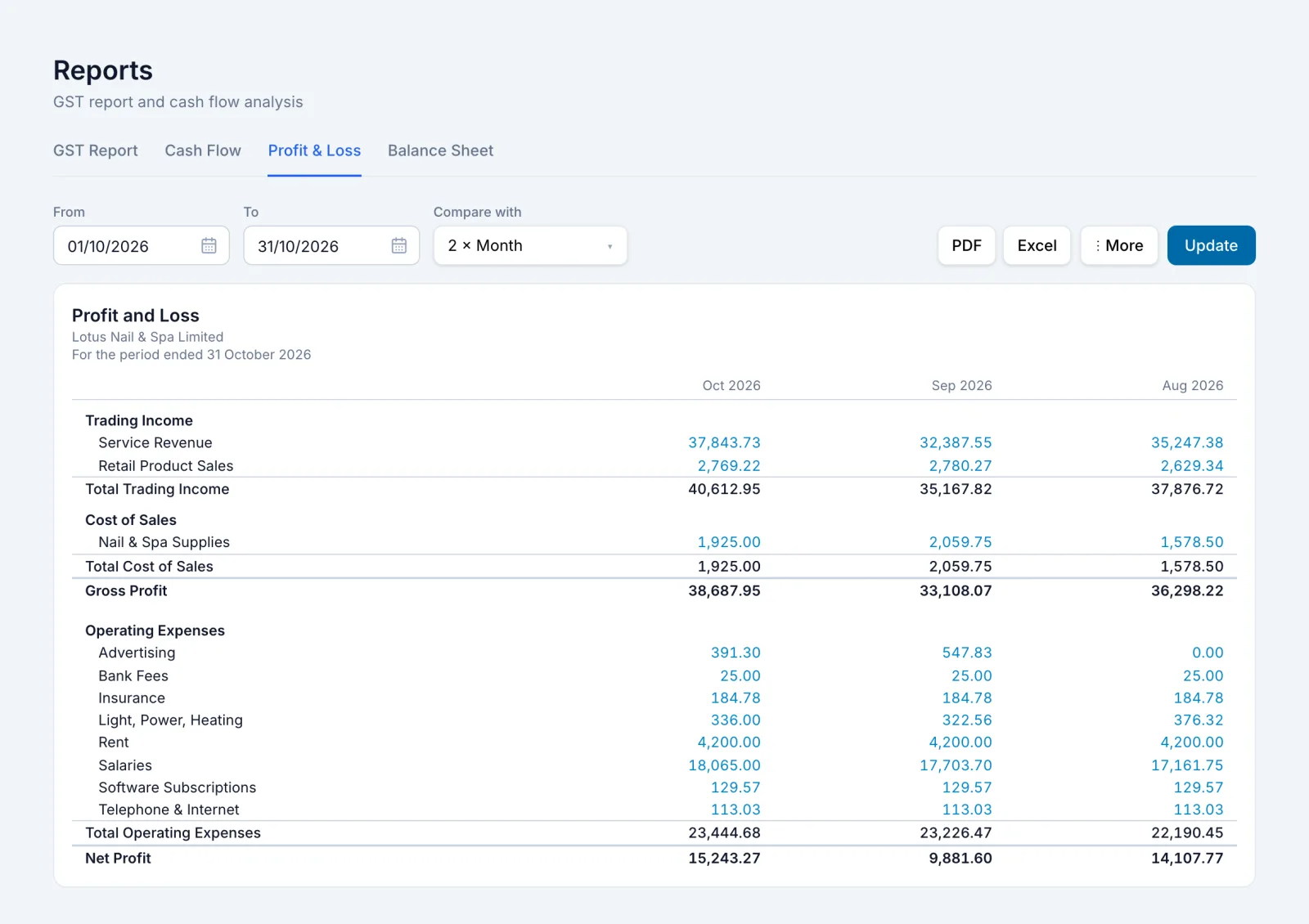
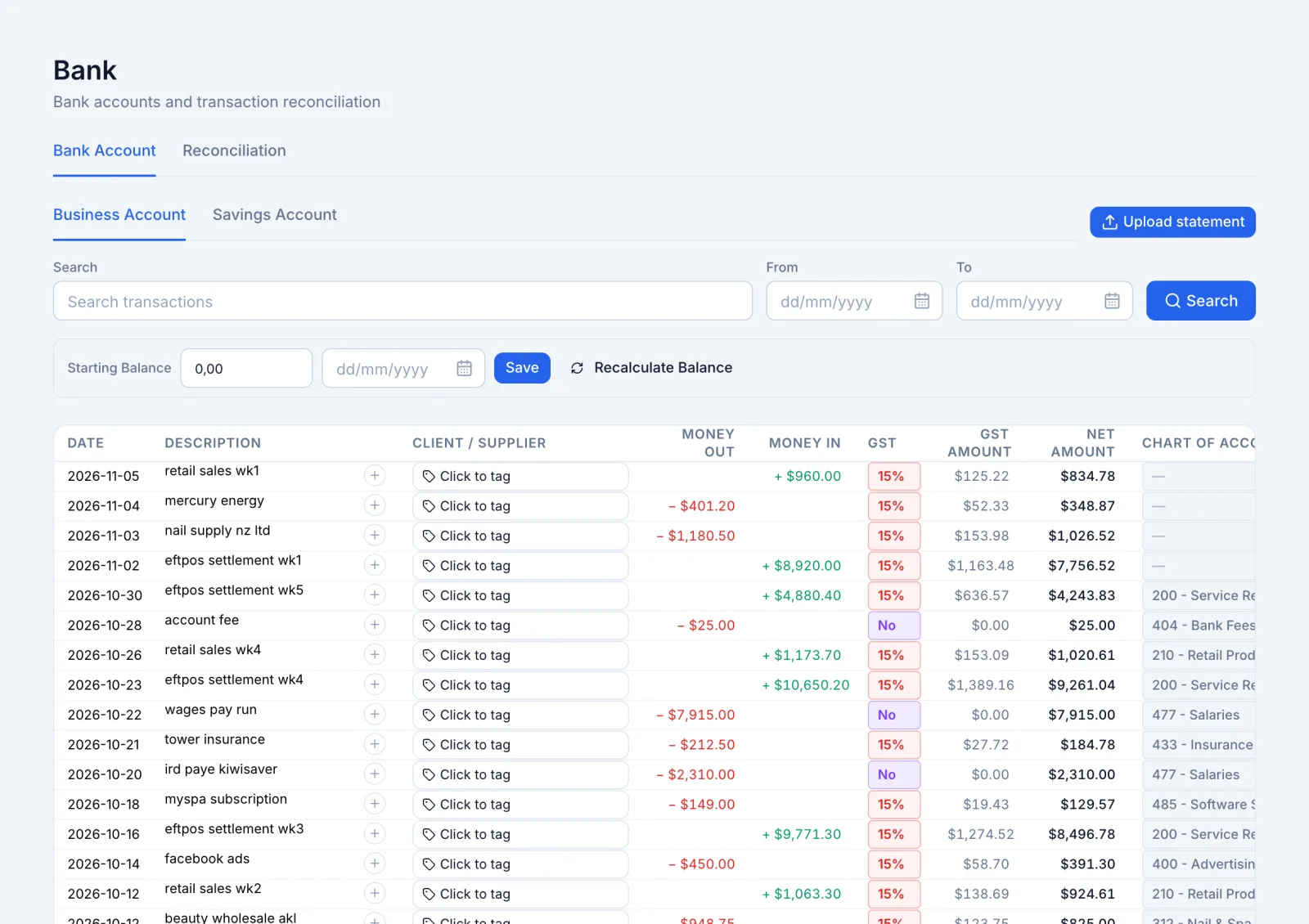
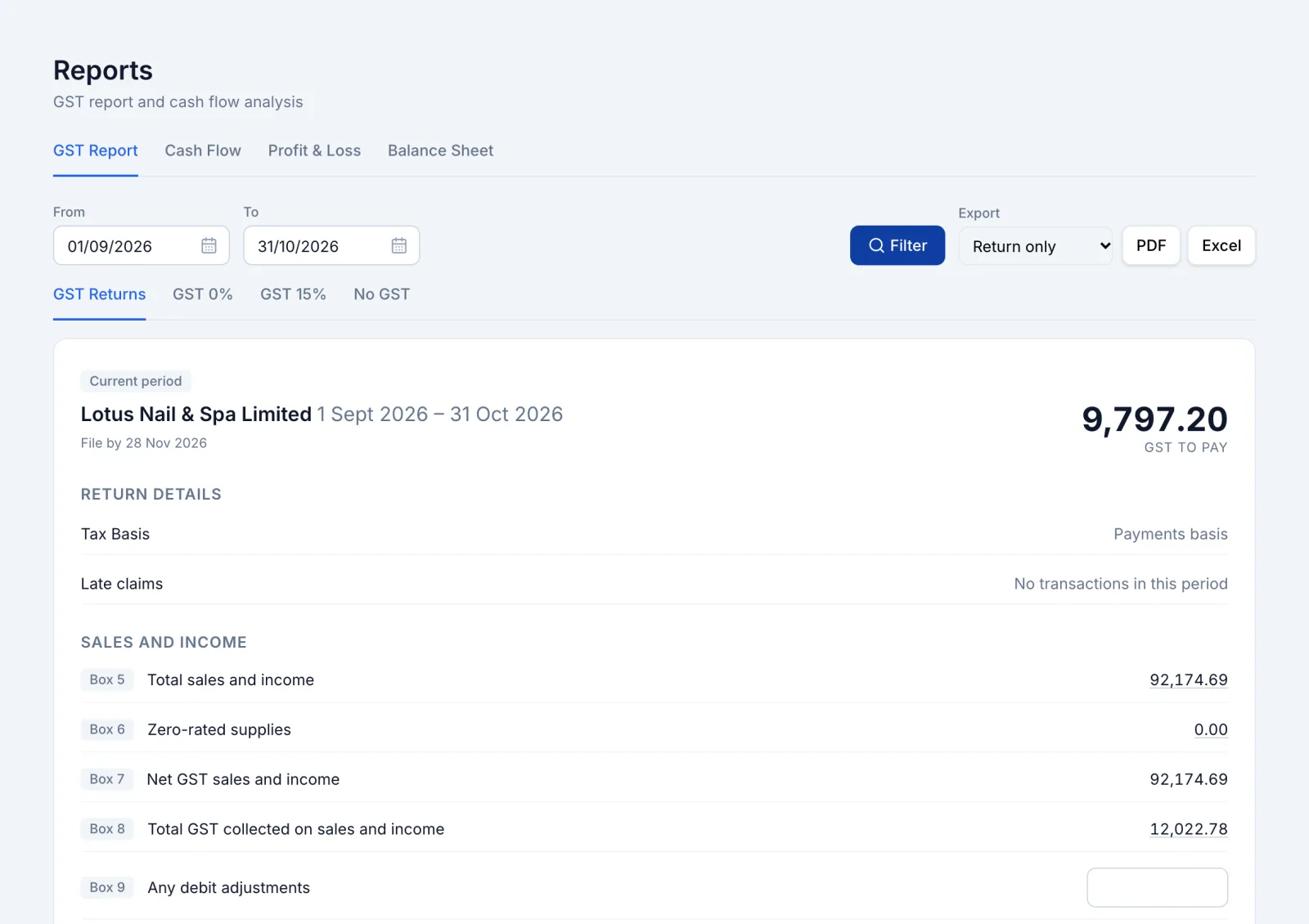
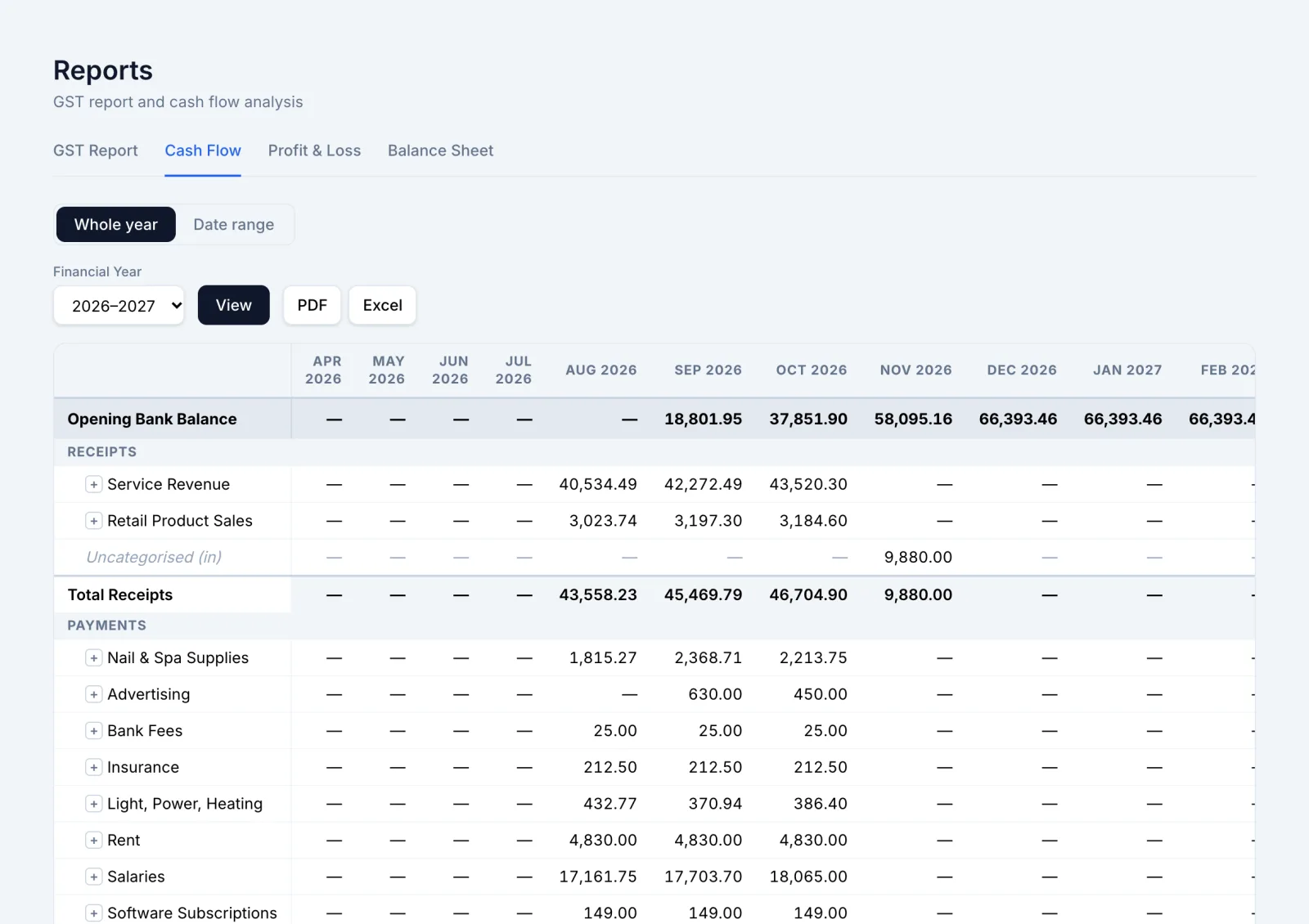
Real screens of the app, with a sample salon's data.
From statement to return
- 1
Upload a statement
The bank's CSV file, duplicates skipped.
- 2
Accounts filled in
Set a rule once, and the account and GST fill in next time.
- 3
Wages posted
Every finished pay run becomes a journal.
- 4
Reports & returns
P&L, cash flow and the IRD GST return.
Enough for the owner and the accountant
Bank statement import
Upload ASB's CSV file, duplicates skipped
Accounts & GST by rule
Rules on the transaction text fill in next time
P&L across periods
This month beside the months before; click a figure to see its transactions
IRD GST return
Boxes 5 to 15, due date, filed periods locked
Cash flow & balance sheet
Monthly cash flow for the financial year, a balance sheet at any date
Ledger, journals, export
Manual journals, trial balance, PDF and Excel for the accountant
Payroll is here too
PAYE, KiwiSaver, payslips and IRD filing.
Bring the whole salon into one app
Create an account in minutes, or look through the screen-by-screen guide first.